SEOPress Insights version 3.0 now uses custom tables to store this data. This significantly improves performance.
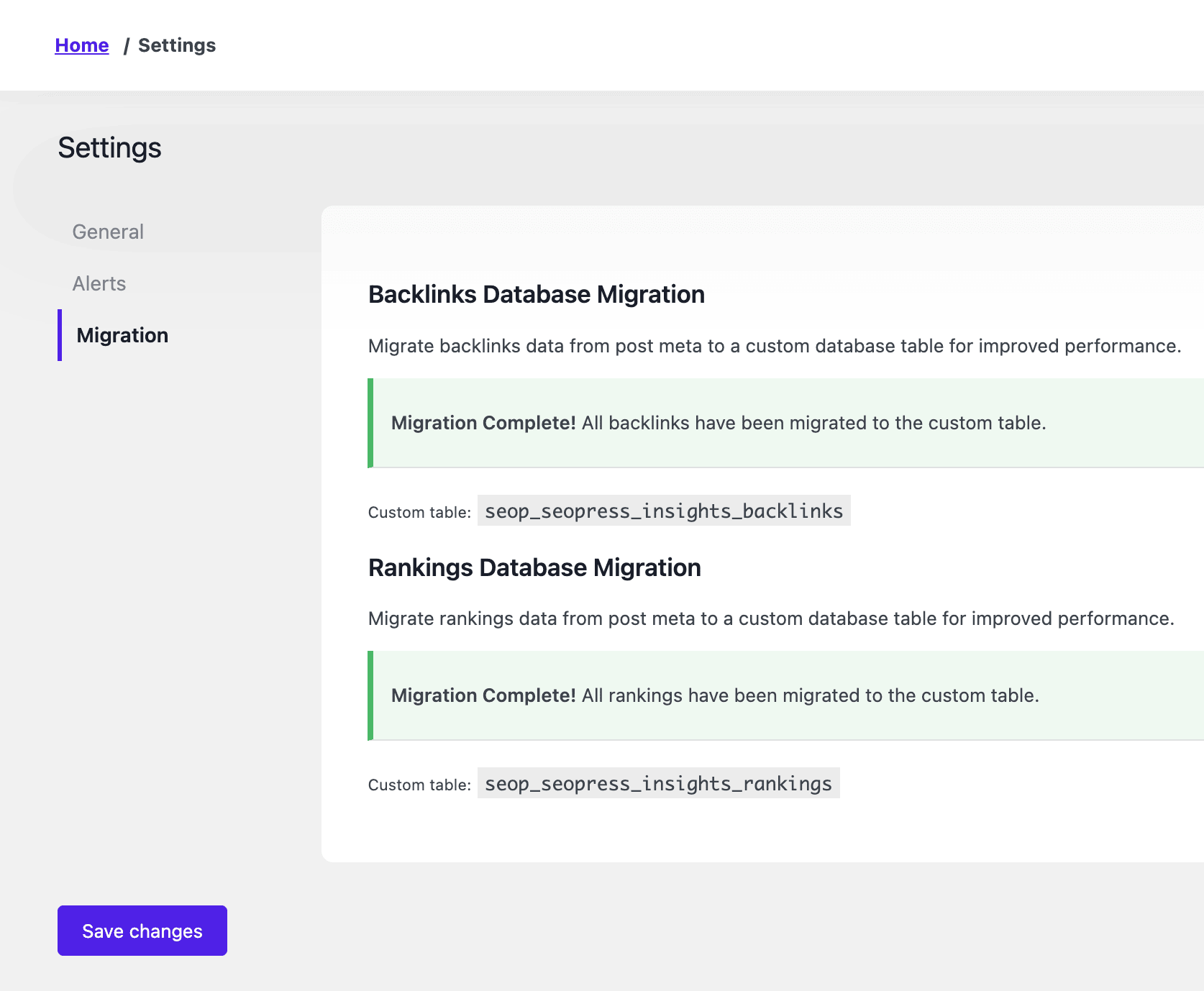
To migrate your data from native WordPress management to custom tables, go to your WordPress admin area, Insights, Settings, and select the Migration tab.
Migrate backlinks
The first step is to migrate the backlinks data under Backlinks Database Migration.
Click the dedicated button to run the first back of 500 entries.
Repeat the process as long as the button is available.
Once the migration is done you we’ll see a green notification: “Migration Complete! All backlinks have been migrated to the custom table.“.
The backlinks are now stored in this custom table: seop_seopress_insights_backlinks
Migrate rankings
Do the same thing from Rankings Database Migration section for your rankings.
We’ll migrate 50 entries per batch.
Once the migration is over, you we’ll see this green notification: “Migration Complete! All rankings have been migrated to the custom table.“.
The keyword rankings are now stored in this custom table: seop_seopress_insights_rankings