Export redirects from Rank Math plugin
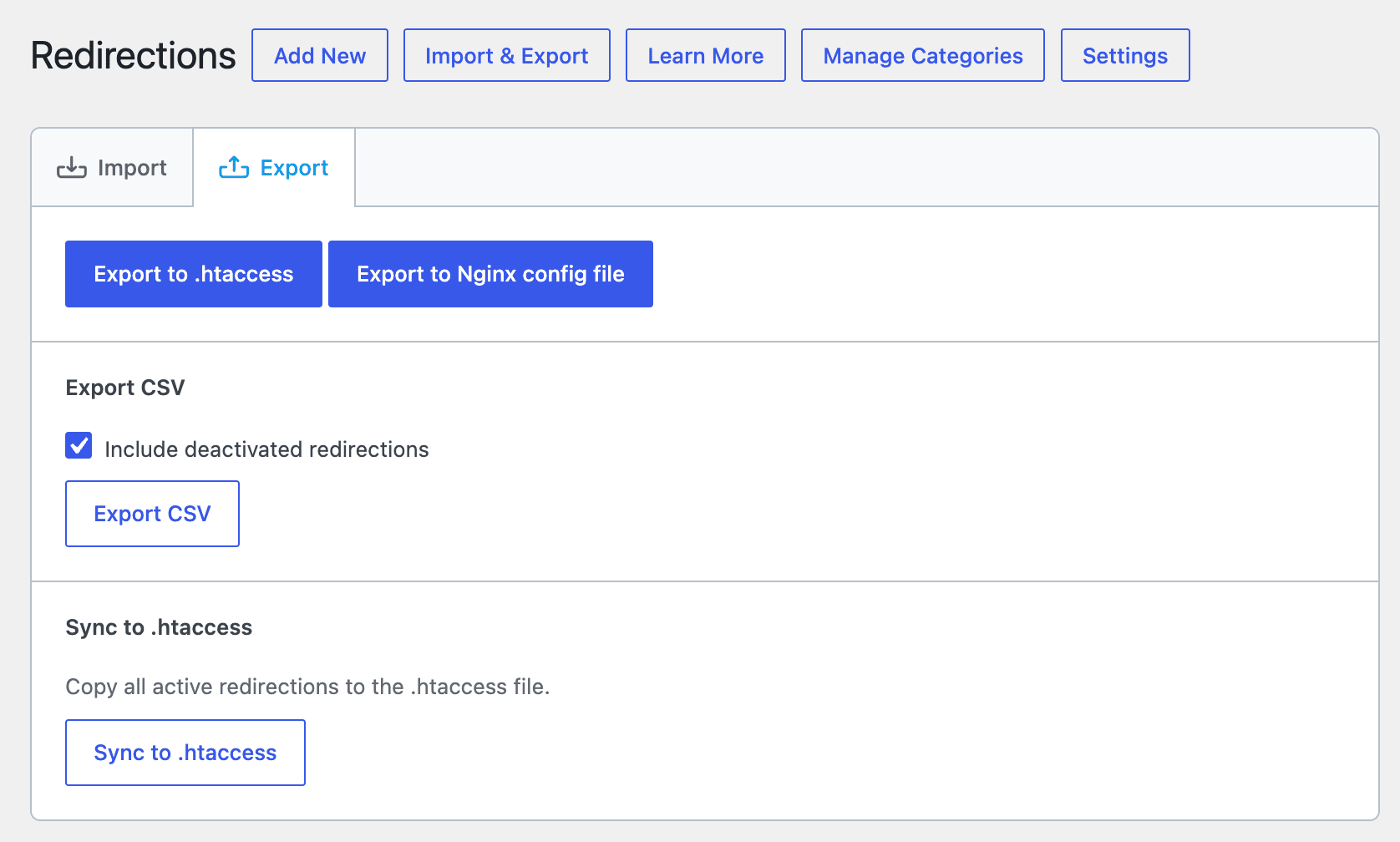
To export your redirects created from Rank Math, go to:
- Rank Math SEO
- Redirections
- Click Import & Export button
- Click Export CSV button
We also support this alternative method:
- Rank Math SEO
- Status and tools
- Import / export tab
- Export settings section
- Choose Redirections
- Click Export button.
- Save the file to your computer.

Import redirects from Rank Math plugin to SEOPress
Now go to:
- SEO,
- Tools,
- Redirections tab,
- Import Redirections,
- Select Rank Math plugin (CSV) orRank Math plugin (JSON),
- Upload your file,
- Click Import.
That’s it!

Check out our migration to SEOPress page for more import options!