SEOPress PRO 9.5 is required.
Register to Claude
The first step is to create an account on Claude website.
You get $5 of free credits, but we strongly invite you to register a credit card to avoid any errors from the Settings, Billing page of your Claude account.
Create your API key
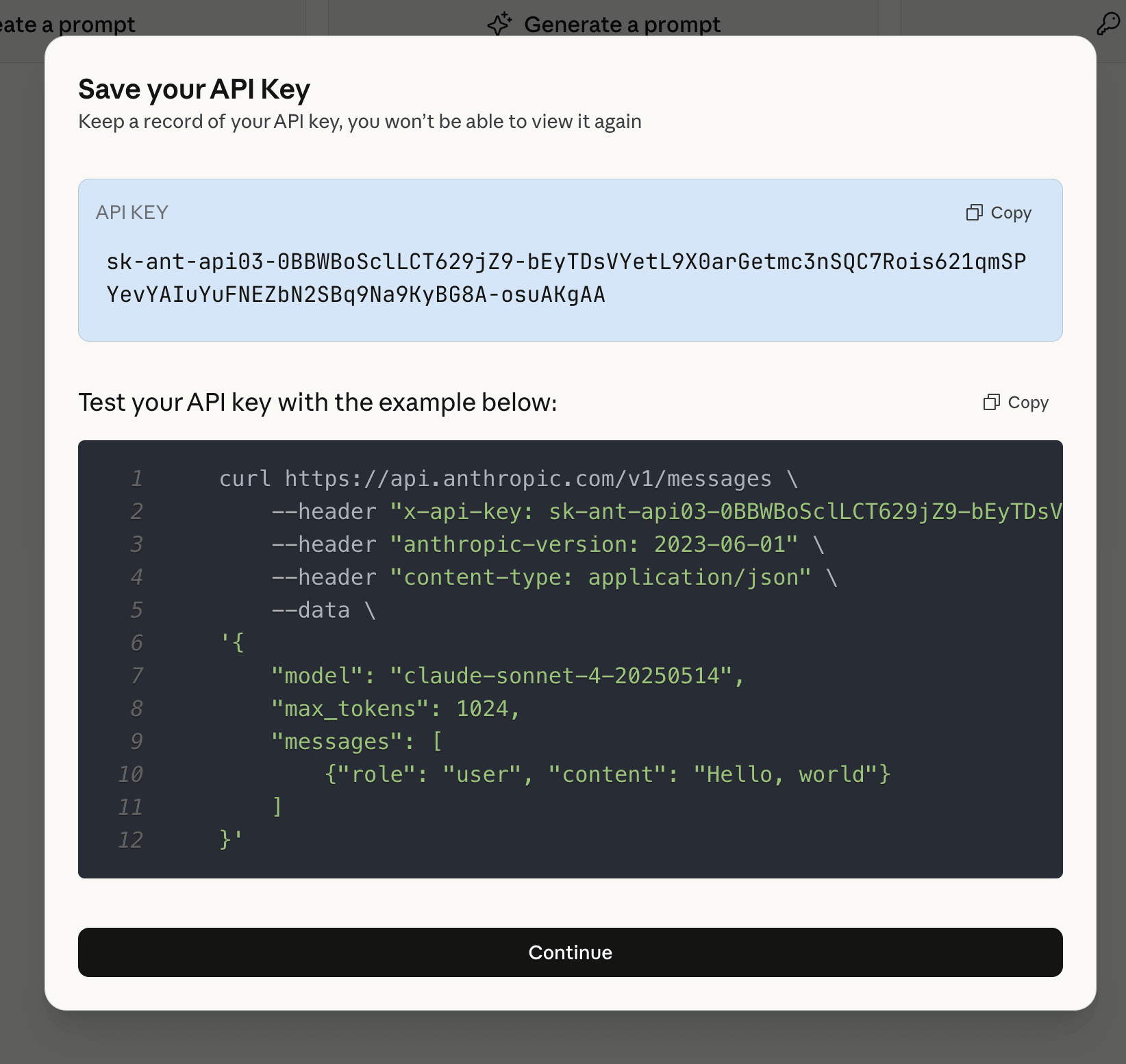
From the homepage of Claude platform, click Get API key button.

A new modal appears.

Enter an API key name, select a workspace to associate and click Create API key button.
What information is sent to Claude AI?
To get better results and maximize our chance to have a relevant answer from the AI, we send:
- your post content (if not possible your post URL),
- your post language,
- your target keywords (and we ask to put at least one of them in the SEO metadata in return).
Enable Claude in SEOPress
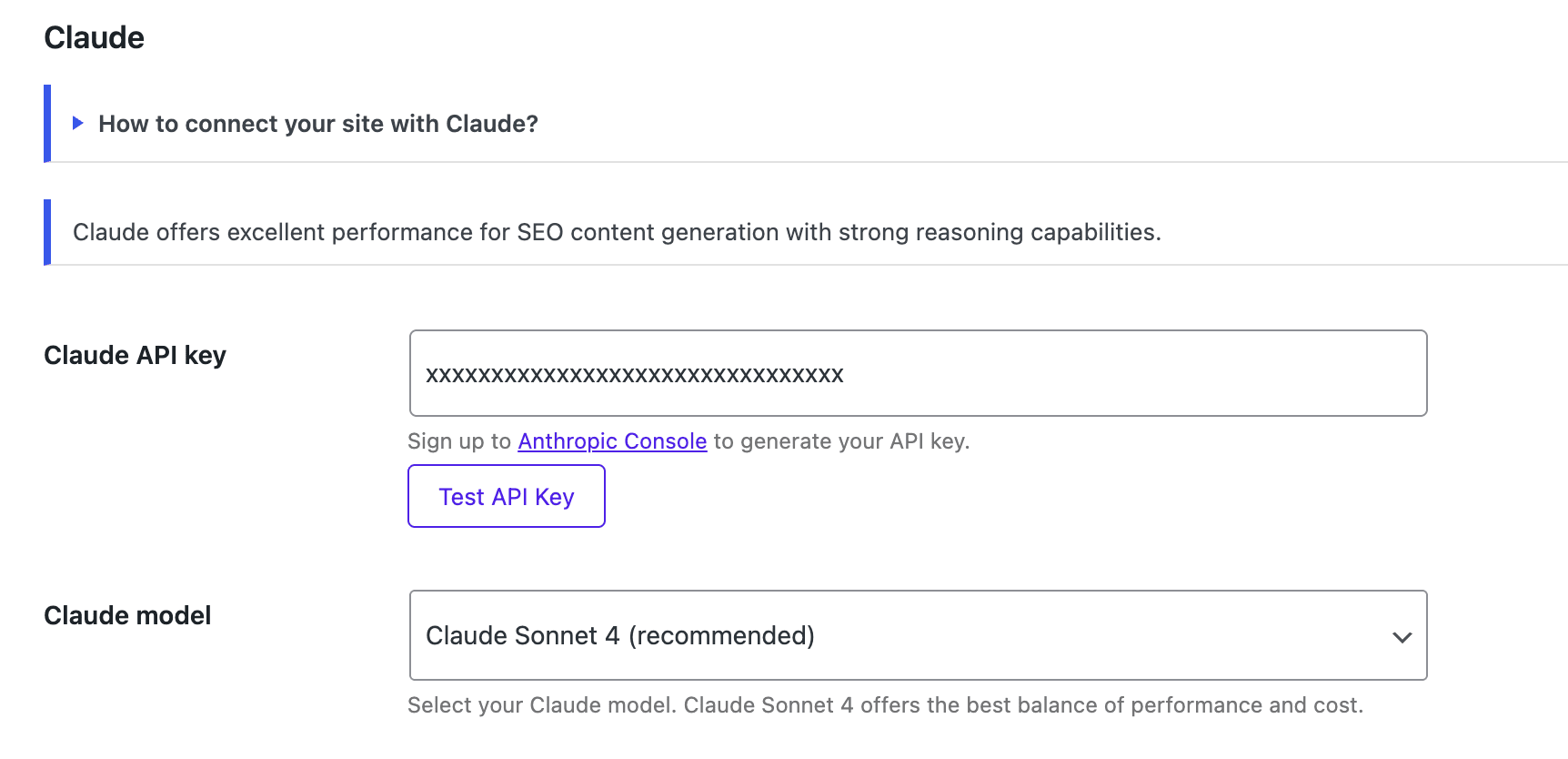
Go to SEO, PRO, AI tab.
Select Claude AI from AI provider option.
Paste the key to Claude API key field.
Save changes.
Add my Claude AI key to wp-config.php
By adding this code below:
define( 'SEOPRESS_CLAUDE_KEY', 'XXXXXXX' );
You will store your Claude API key in your wp-config.php file instead of your database. This is more efficient on a multisite network for example but also more secured.
Generate SEO, social and image metadata with AI
Now you have linked your Claude AI account with your WordPress site, you can use AI to:
Common errors
Quickly test your Claude API key by going to SEO, PRO, AI tab.
Then from Claude section, click Test API key button.
Wait a few seconds to get a positive or negative answer from Claude server.
From the AI Logs section (SEO, PRO, AI tab), you will see the messages returned by the AI used.
401 – Invalid API Key
- What it means: Your Claude API key isn’t working
- How to fix: Check that you’ve entered the correct API key in SEOPress settings
403 – Permission Denied
- What it means: Your API key doesn’t have access to this feature
- How to fix: Verify your Claude plan includes the features you’re trying to use
429 – Too Many Requests
- What it means: You’ve made too many requests too quickly
- How to fix: Wait a minute and try again. Consider upgrading your Claude plan if this happens often
500 – Server Error
- What it means: Something went wrong on Claude’s end
- How to fix: Wait a few moments and try again
529 – Service Overloaded
- What it means: Claude’s servers are busy
- How to fix: Wait 30-60 seconds and retry your request